 Qur'anScience
Every eBook on quranscience.my can be read on screen — and you can also print and bind it yourself, at home or at a nearby print or photocopy shop. Follow the simple steps below.
Good if your printer can print on both sides (duplex). Cheaper, but colour ink runs out quickly for a thick book.
The easiest and neatest. Shops can usually print double-sided in colour and bind the book for you straight away.
| Part | Suggested paper | Note |
|---|---|---|
| Inside pages | A4 80gsm (normal paper) | Cheap and easy to find |
| Inside pages (better) | A4 100gsm | Thicker — colour does not show through when printing double-sided |
| Front cover | Page 1 printed on 200–250gsm card | Firmer and longer-lasting |
| Front cover (budget) | Page 1 on normal paper | Protected by a clear plastic sheet in front |
gsm = paper weight; the higher the number, the thicker the paper.
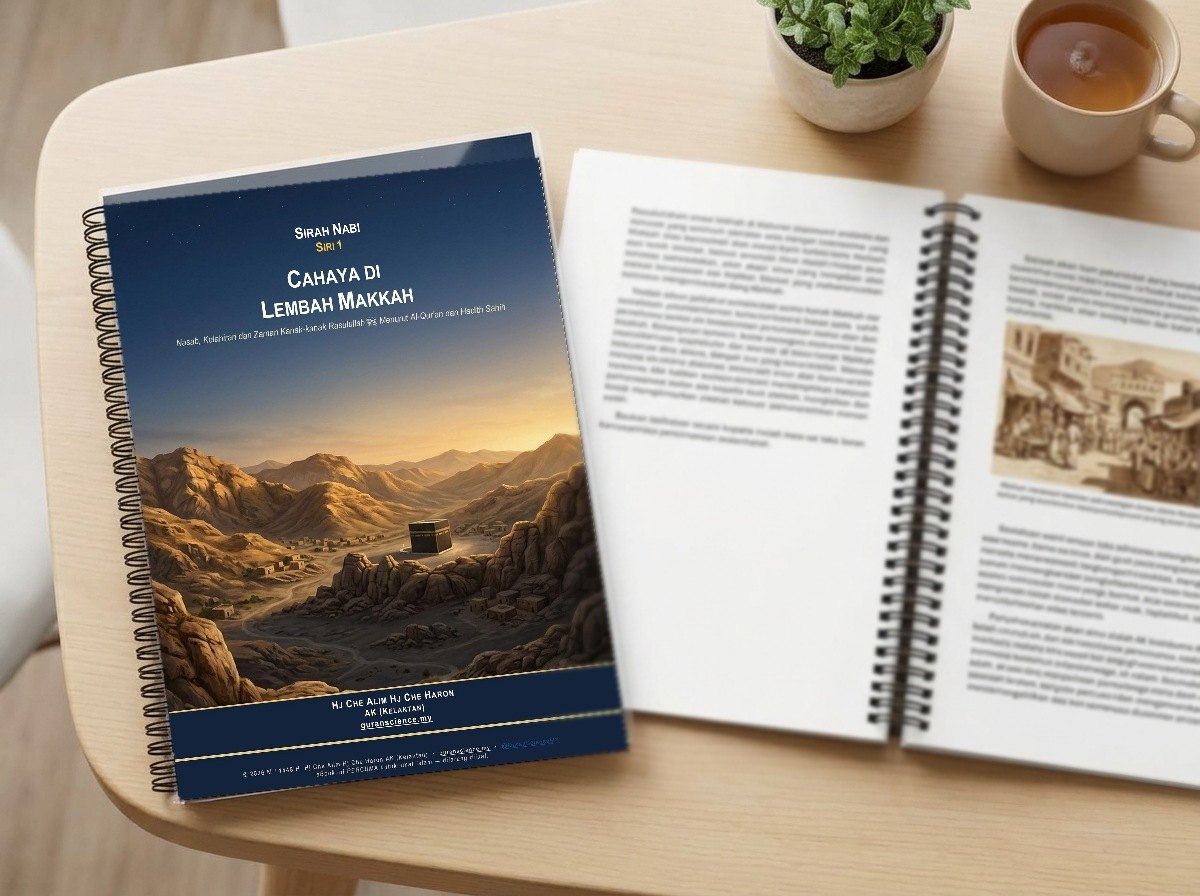
The author recommends coil binding (spiral binding) with a clear plastic sheet in front and a dark card at the back, as in the picture above.
The book opens flat on a table or folds back — comfortable for reading and taking notes.
It costs little compared with other bindings and suits books of 40–80 pages.
Almost every photocopy and stationery shop offers coil binding.
| Number of sheets | Coil size (approx.) |
|---|---|
| Up to ~40 sheets | 8–10 mm |
| ~40–60 sheets | 12 mm |
| ~60–90 sheets | 14–16 mm |
This is only a rough guide — ask the shop for the best size. Example: a 60-page book printed double-sided ≈ 30 sheets of paper.
A plastic comb; cheap, and can be reopened to add sheets.
Looks like an ordinary book, but does not open flat.
The neatest and longest-lasting — good for large compilations or gifts, but more expensive.
All these eBooks are FREE for Muslims — print them for yourself, your family, mosque and school, but do not sell them.